
|
Getting your Trinity Audio player ready...
|
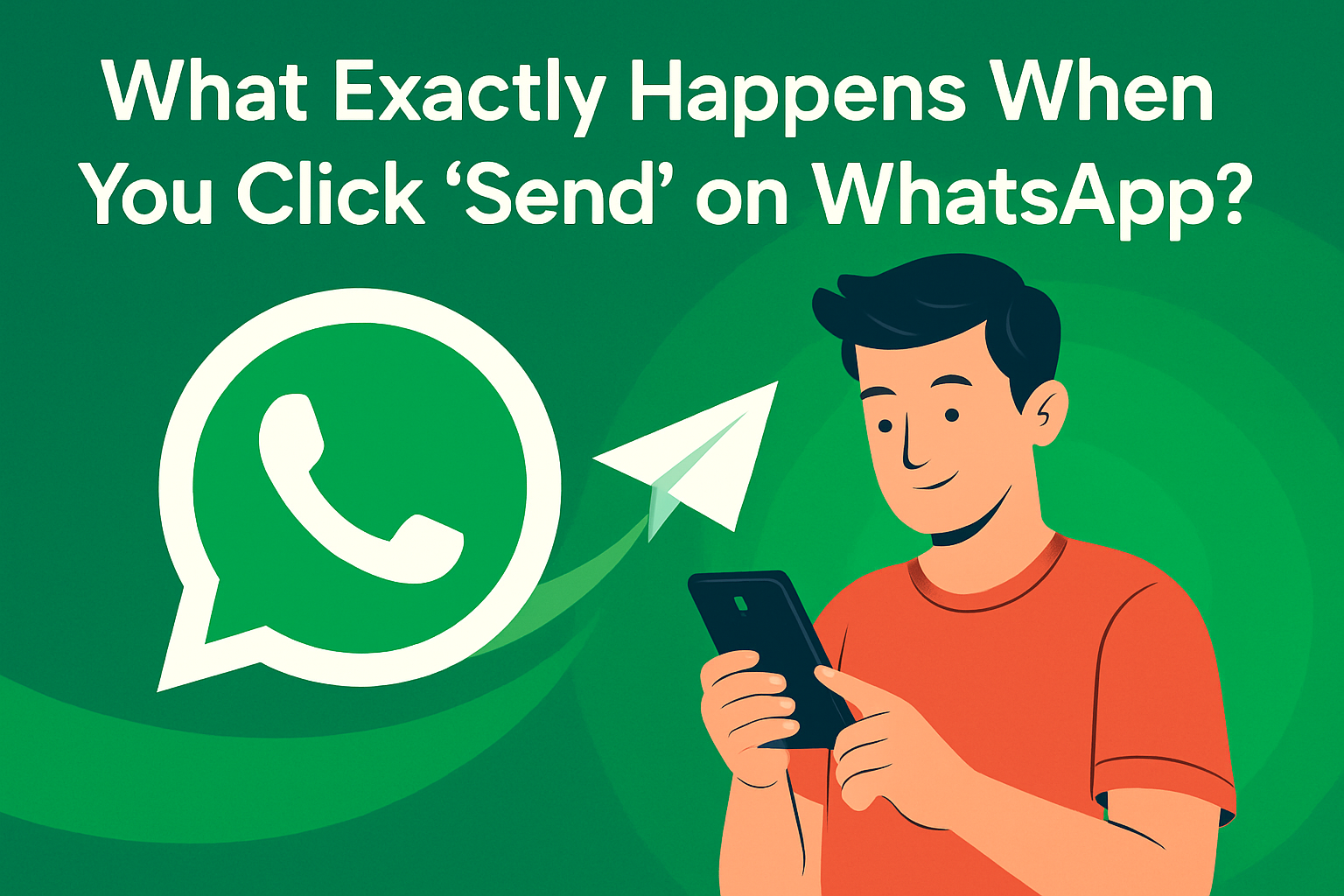
We all do it by typing a quick “hi” or a long rant and hit “send” on WhatsApp. Within seconds, your message reaches someone across the country or even the world. But what’s happening behind the scenes in that tiny fraction of a second?
This article takes you on a journey the digital route your message travels the moment you hit send.
It All Begins with a Tap
The second you hit send, your message becomes a packet of data. Think of it like putting a letter inside a high speed digital envelope.
Encryption Magic
WhatsApp uses something called end to end encryption . This means the message is immediately locked using a secret code, and only the receiver has the key to unlock it.
Even WhatsApp can’t read it. Not hackers, not governments, not your neighbor’s techy cousin. It’s just gibberish to everyone except your friend’s phone.
Data Transmission
Once encrypted, the data packet starts its journey via the internet. It travels through:
Wi- Fi or mobile data
Your network provider’s data tower
ISP (Internet Service Provider) servers
Undersea cables (if international)
Data centers and regional hubs
It might travel thousands of kilometers in milliseconds.
Server Checks
WhatsApp’s servers only act like a postman. They don’t read your message, but they check:
Is the number active?
Is the recipient online?
Can the message be delivered now or later?
If the person is offline, the server stores the message temporarily.
Delivery Confirmation
Ever noticed those tick marks?
One tick = Message sent to WhatsApp servers
Two ticks = Delivered to recipient’s device
Blue ticks = Read by the user
Speed Factors
Message delivery speed depends on:
Network strength
Server load
Phone battery settings
Internet latency
The full process usually takes under one second !
What About Photos or Videos?
They take a little longer because the file size is bigger. Still, compression tech ensures quick transfer without killing quality.
The Security Angle
In 2024, WhatsApp introduced advanced fingerprint based server routing in India. It reduces hacking risks and increases delivery reliability.
Your Data and Privacy
While messages are encrypted, WhatsApp may still collect metadata like:
Time sent
Contact info
Device type
This is used for analytics and app improvement not to read messages.
Message Backup: Cloud Gets Involved
When you back up chats, messages are uploaded to Google Drive or iCloud. These backups are not always encrypted by default, unless you turn on encrypted backups.
Myth: Is WhatsApp Really Private?
Yes, the messages are private. But your behavior data (how often you text, your contact list, etc.) can be monitored for marketing purposes.
Tips for Safer Messaging
Turn on 2 step verification
Avoid public Wi Fi for sensitive chats
Use app lock and fingerprint access
Disable auto download for unknown files
Parting Thoughts
Next time you hit “send,” remember your message zips across a massive network of towers, cables, and servers before landing in your friend’s chat.
It’s tech magic, simplified.
Every chat you have is part of one of the world’s fastest, most secure communication systems.
Who knew that one green button could do so much?